Affiliate disclosure: This guide contains affiliate links. If you buy through one, The Short Plan may earn a commission at no extra cost to you. Product examples are included because they solve a specific job in the plan; prices and availability can change.
For indoor Christmas photos, face the family toward a large window and move closer to the window when faces are too dark. Put the phone on a stable tripod or stand, use the self-timer, and take several frames of the same setup. Choose activities that produce natural hand positions and expressions: decorating the tree, sitting together on the couch, reading a Christmas book, wrapping one gift, or making cookies.
This guide closes the photo plan. If you want cards, mailing, gatherings, spending, and the December calendar put into the same sane order, the Christmas Builder handles the whole holiday. The 32-page Christmas Short Plan is included.
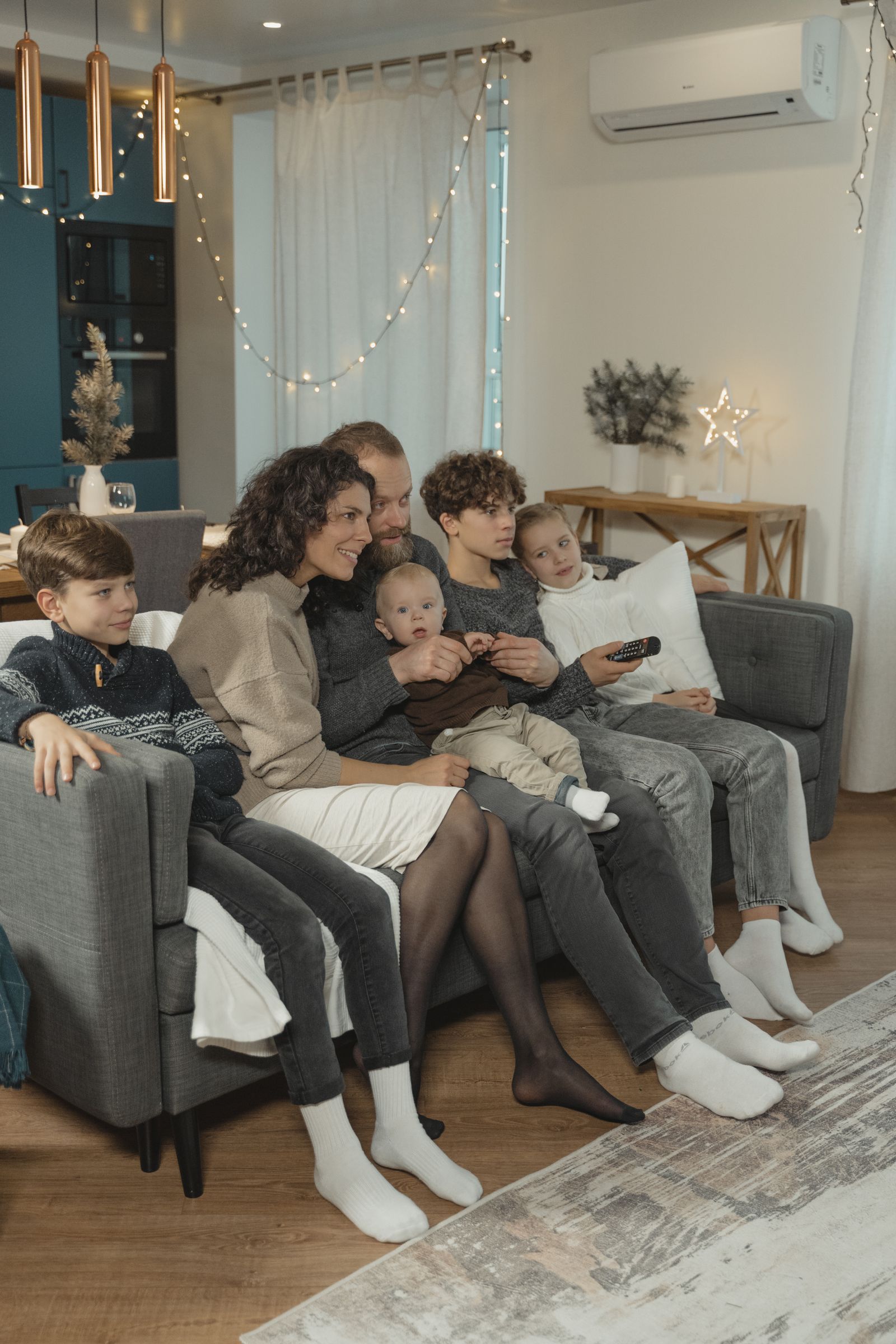
Use window light before you buy a light
Use natural light indoors and place people facing a large window instead of putting the window behind them. Move closer to the window when the room is dark.
That gives you the first setup rule:
Put the family where the faces look good, then decorate that frame.
Do not put the family beside the tree just because the tree is there.
If the brightest usable light is by the dining-room window, move a chair, one wrapped gift, or a small branch of greenery into that light and make the photo there.
Turn off harsh overhead lights when they create dark eye sockets or mixed color. Test one frame before gathering everyone.
Put the phone on something stable and use the timer
A stable phone fixes two problems:
- everyone can be in the picture;
- the framing stays the same while you take several attempts.
Apple's current iPhone camera guide includes 3-, 5-, and 10-second timer options. Samsung's current Galaxy camera support also includes a photo timer, and Samsung's Camera Assistant can take multiple timed frames on supported devices.
A chair plus stacked books can work. A phone tripod is easier when you expect to repeat family photos, birthday photos, product photos, or business content.
Product option: Bower Mobile Top Grip Tripod at Walmart
Walmart — Bower Mobile Top Grip Tripod with 360° Smartphone Holder (affiliate link)
The current Walmart listing described it as a compact phone tripod with 360-degree movement and a spring-loaded phone cradle.
Setup 1: Sit everyone on the couch near the window
Use this when:
- the family fits on or around one couch;
- the room has a large side or front window;
- the tree or a simple holiday element can appear behind or beside the group.
Do this
- Move the couch setup as close to good light as practical.
- Keep faces at roughly the same distance from the camera.
- Put taller adults behind or at the outside.
- Let children sit on laps, the floor, or the front edge.
- Take one looking-at-camera frame.
- Take several frames while people look at each other.
Keep groups close together and take more photos than you think you need.
STOP
when you have one frame where every essential face is visible. Do not keep the family posed for 45 minutes trying to improve a hand position.
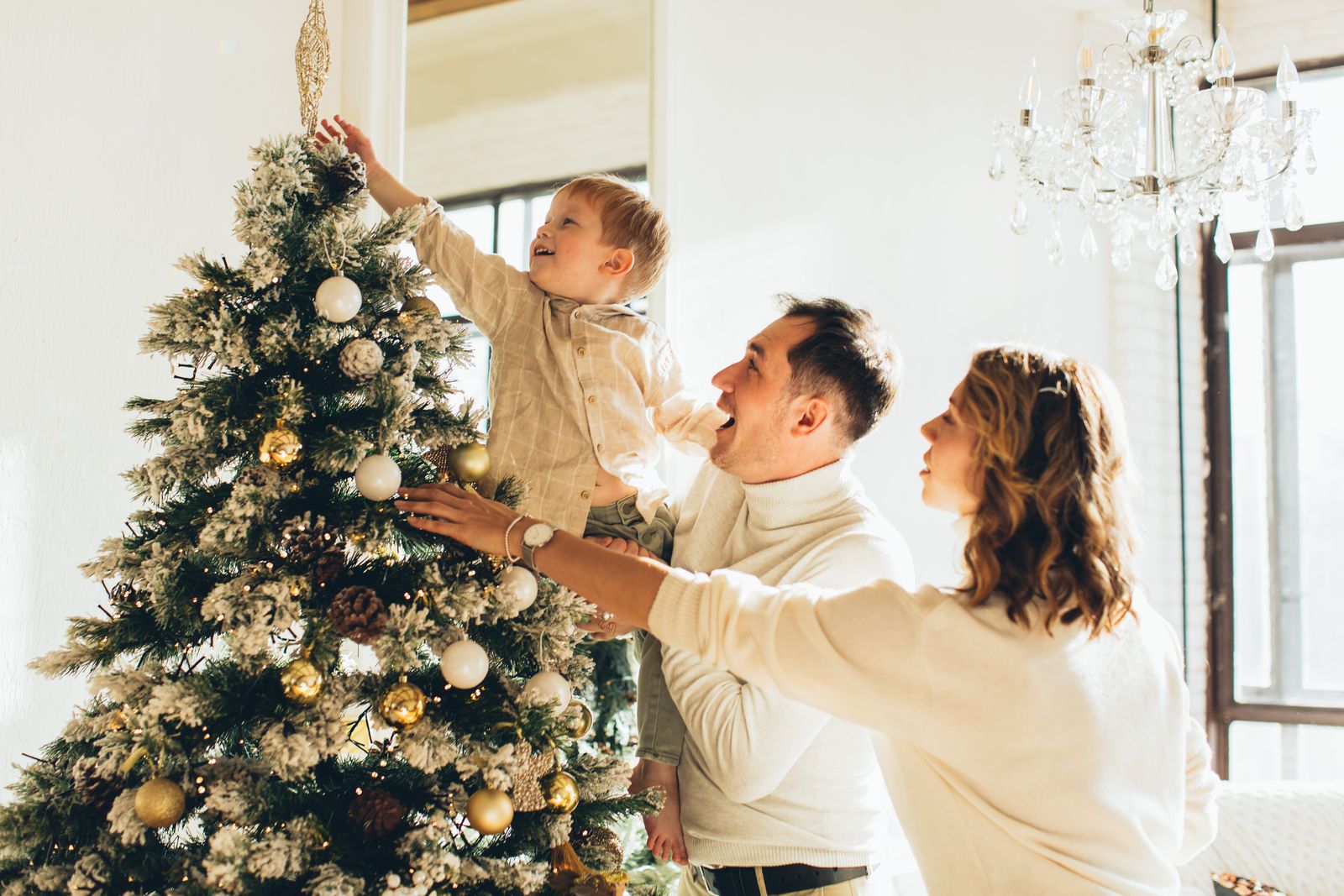
Setup 2: Photograph tree decorating instead of posing beside the tree
This is useful with children who stop cooperating as soon as someone says "smile."
Give them one real job:
- hang an ornament;
- put a star on a lower branch;
- hold a small box of ornaments;
- look for one favorite ornament.
Photograph family traditions such as decorating the tree, and focus on interactions instead of forcing every image into a formal pose.
Put the phone far enough back to include hands and context. Take several frames. Children move.
One good candid is enough.
Setup 3: Read one Christmas book on the floor
This setup solves the "what do we do with our hands?" problem.
Use:
- one Christmas book;
- a rug or blanket;
- the tree or a window-lit wall;
- parents or older children close enough that everyone belongs to the same frame.
The book creates a natural center.
Take:
- one wide frame;
- one closer frame;
- one child-looking-up frame;
- one everyone-looking-at-the-book frame.
Avoid six extra props. The people and the book already tell the story.
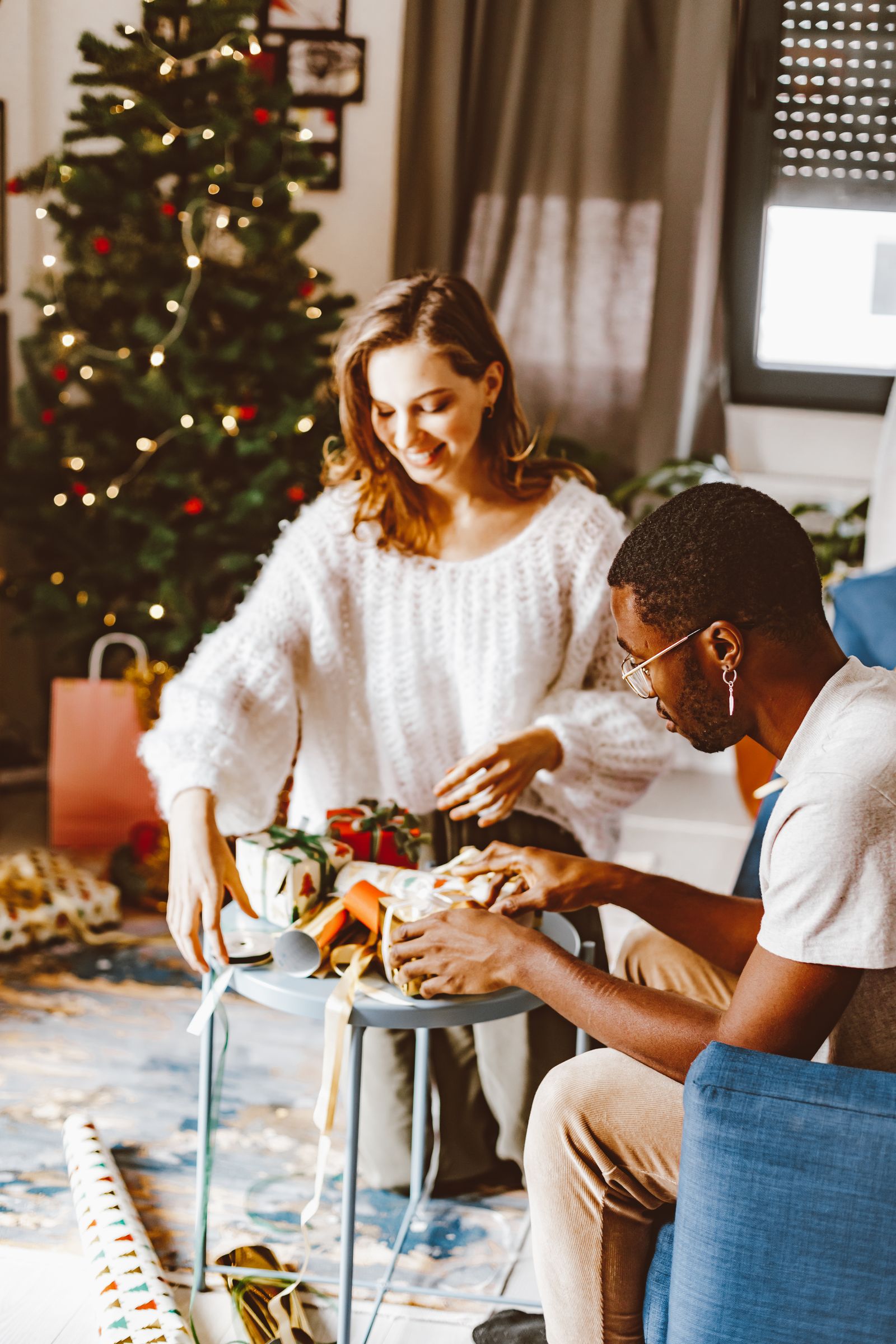
Setup 4: Wrap one gift at the table
You do not need a staged mountain of presents.
Use:
- one box;
- one roll of paper;
- ribbon or twine if already in the house;
- scissors kept safely away from small children;
- a table near a window.
Have one adult help a child wrap.
The useful sequence:
- smoothing paper;
- holding tape;
- tying ribbon;
- showing the finished box.
This produces several card-worthy frames from one five-minute activity.

Setup 5: Make cookies, but photograph the simple part
A full baking session creates flour, hot trays, timers, and tired people.
For the photo, use the safest, most visual part:
- rolling dough;
- using cookie cutters;
- adding sprinkles to already-cooled cookies;
- placing finished cookies on a plate.
Choose a counter with good light.
Photograph the activity, then finish the actual cooking without the camera becoming another kitchen job.
Setup 6: Use the front porch or yard when indoor light is bad
Outdoor light can be easier.
Use soft natural light, including golden hour; overcast conditions can also produce even, flattering light.
Use:
- front steps;
- porch;
- evergreen tree;
- fence;
- plain exterior wall;
- backyard with one wreath or strand of greenery.
Avoid midday sun when it creates hard shadows and squinting.
If the weather is miserable, use the indoor window route. The photograph does not need to prove endurance.
Setup 7: Make one simple portrait before the house is decorated
If the photo is for a card, you can take it before December is fully decorated.
Take holiday-card photos about four to six weeks before the holiday when possible, leaving time to choose, edit, order, and mail the cards.
Use a neutral wall, a window, and one seasonal cue:
- evergreen branch;
- wreath;
- red blanket;
- winter coats outside;
- one gift.
The card design can add the rest of the Christmas signal.
Clean the lens before changing camera settings
Phone lenses collect fingerprints.
Wipe the lens with a clean microfiber cloth.
Then use the normal camera first.
Helpful controls:
- timer;
- exposure adjustment when faces are too bright or dark;
- portrait mode when it handles the whole group cleanly;
- multi-shot or burst options for moving children where available.
Apple documents exposure adjustment and timer controls in its current iPhone camera guide. Samsung documents timer controls and, on supported devices, multi-photo timer options.
Do not change five settings because a photography blog made them sound important.
Frame for the card you plan to make
Before the final session, decide:
- portrait or landscape;
- one photo or collage;
- whether text needs empty space;
- whether the card crops square, 4x6, 5x7, or another size.
Leave breathing room around heads and feet.
A photo that looks perfect edge-to-edge on the phone can become unusable when the card template crops it.
Take one slightly wider frame than you think you need.
Skip these purchases unless they solve another real job
SKIP A FULL BACKDROP KIT
when a wall, curtain, tree, porch, or window-lit room already works.
SKIP MATCHING PAJAMAS
when the family does not actually want them. Coordinated colors are enough.
SKIP A RING LIGHT
when the window gives better light and you will not use the light elsewhere.
SKIP A REMOTE SHUTTER
when your phone timer already solves the problem.
BUY A TRIPOD
when you repeatedly need everyone in the frame and balancing the phone is annoying.
The photo needs a stable camera and good faces. It does not need a studio shopping list.
Stop after three usable frames
Choose:
- one looking-at-camera;
- one candid;
- one backup.
Then stop.
The goal is a Christmas photo, not a family endurance test.
The Christmas photo plan is settled.
You know where to shoot, what light to use, how to stabilize the phone, what people will do in the frame, and when three usable photos are enough.
Now the photo still has to become a card or memory on a real deadline without turning into another floating December project.
The Christmas Builder does that part for you. Give it your dates, card or invitation plan, recipients, gatherings, budget, and the rest of your Christmas commitments. It puts the photo and mailing work on the same calendar as everything else.
One purchase includes the private Builder, automatic access email and recovery, approximately 180 days of access, and the 32-page PDF.A good at-home Christmas photo needs light, stability, and something natural for people to do.
A good photo is only useful when the next job has a date. The included 32-page Christmas Short Plan connects the photo to cards, mailing, gatherings, spending, and the December calendar so “take the photo” does not stay open all month.
You can stop at the level of help you need.
The Builder is not more Christmas ideas. You tell it what your December actually contains. It tells you what needs to happen, when, what can wait, and what you can stop doing.